
A "Book" Button on Google for Taxi Companies
How passengers book straight from Google Search and Maps — and how you measure how many bookings come from there
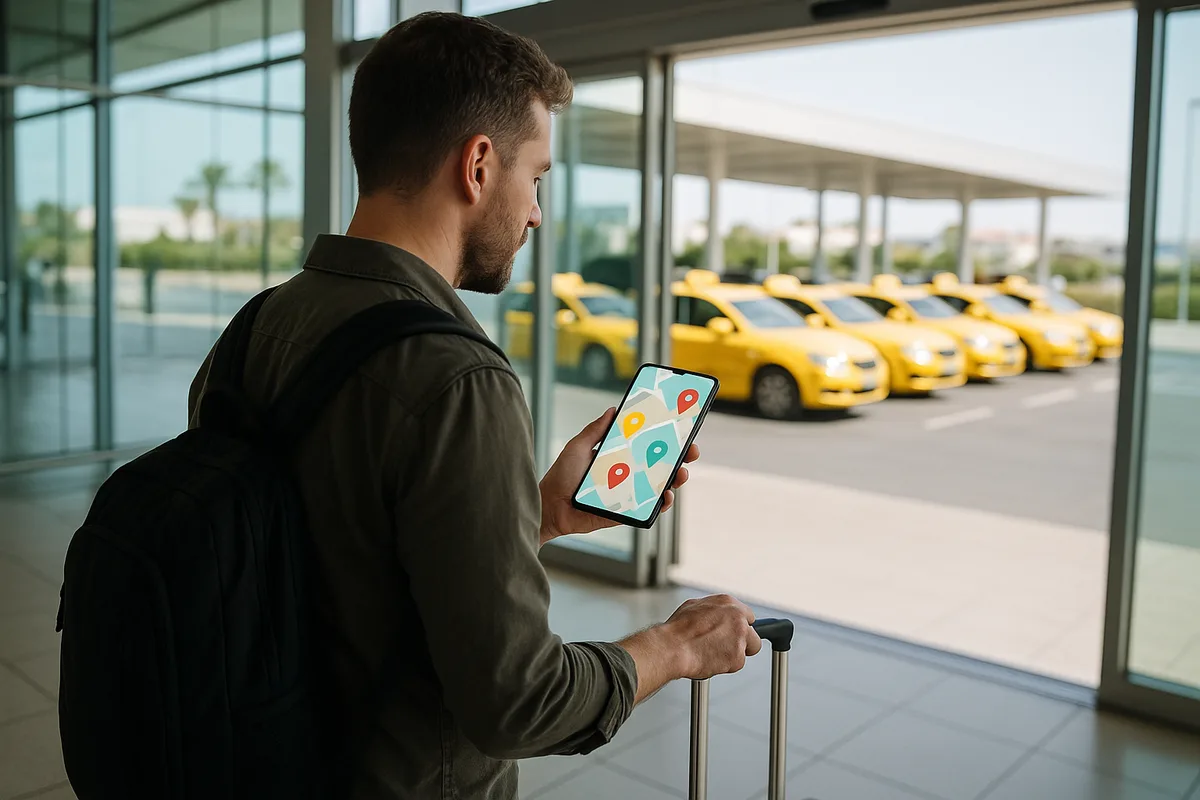
When a tourist lands or someone searches "taxi near me", they open Google. If your company profile only has a phone number, many will choose an app instead. With a booking link on your Google Business Profile, the passenger books from your profile itself — with a price, a route map and card payment.
What you need
- A verified Google Business Profile for your company.
- Your Wiiz taxi booking link — ready in your dashboard on the "Book online button on Google" card.
Three steps
- Open your Google Business Profile (business.google.com, or search your company name while signed in). If you see "Own this business?", claim the profile first.
- Edit profile → Bookings → paste the link into the "Booking link" field.
- Save. Google usually shows the button within a few hours to a few days.
If you don’t see "Bookings"
Google shows the field depending on the business category. Try adding a secondary category such as "Airport shuttle service". If it still doesn’t appear, put the same link in the "Website" field — the button will say "Website" but it opens the booking directly. You can also publish a post on your profile with a "Book" button.
Measure the results
The link Wiiz gives you carries a source tag, so every booking that comes from Google is recorded. On the same dashboard card you see "Bookings from Google" for the last 30 days and in total.
Wiiz for taxi companies
See everything Wiiz does for taxi companies — just €0.15 per booking.
Wiiz for taxisGet bookings from Google
A booking page with price and map, ready for your Google Business Profile — €0.15 per booking.
Start free