
Αυτοματοποιημένο μήνυμα SMS: Ο πλήρης οδηγός
Πώς να στέλνεις αυτόματα SMS για επιβεβαιώσεις, υπενθυμίσεις και follow-up — χωρίς να πληρώνεις πάγιο
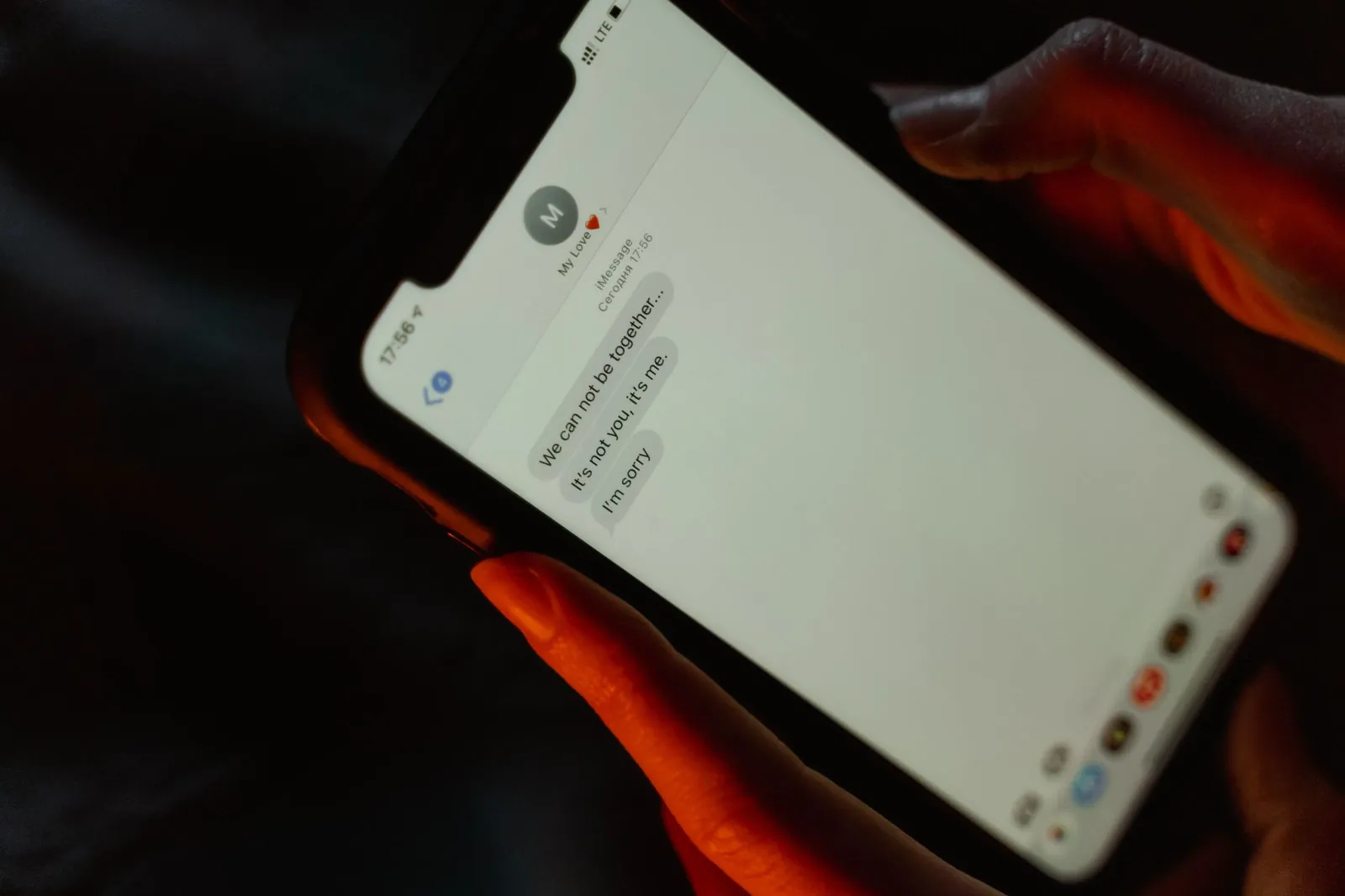
Ένα αυτοματοποιημένο μήνυμα SMS είναι ένα μήνυμα κειμένου που στέλνεται μόνο του, σε προκαθορισμένη στιγμή, χωρίς να χρειάζεται να το γράψεις ή να το στείλεις χειροκίνητα. Στην πράξη, ρυθμίζεις μία φορά τον κανόνα — για παράδειγμα «στείλε υπενθύμιση 24 ώρες πριν το ραντεβού» — και από εκεί και πέρα κάθε νέα κράτηση ενεργοποιεί αυτόματα το δικό της SMS. Με το Wiiz αυτό κοστίζει από €0,06 ανά SMS, χωρίς μηνιαίο πάγιο και χωρίς προμήθεια στα ραντεβού.
Τι είναι ένα αυτοματοποιημένο μήνυμα SMS
Σε αντίθεση με ένα απλό SMS που το πληκτρολογείς και το στέλνεις με το χέρι, ένα αυτοματοποιημένο μήνυμα βασίζεται σε έναν κανόνα. Ορίζεις τι θα λέει το μήνυμα, ποιον αφορά και πότε φεύγει — και το σύστημα αναλαμβάνει τα υπόλοιπα. Ο πελάτης λαμβάνει το σωστό μήνυμα τη σωστή στιγμή, ενώ εσύ δεν χρειάζεται να αγγίξεις το κινητό σου.
Πώς λειτουργεί η αυτοματοποίηση, βήμα-βήμα
Η διαδικασία είναι απλή και τρέχει στο παρασκήνιο:
- Ο πελάτης κλείνει ραντεβού — τηλεφωνικά, από το κατάστημα ή online.
- Το σύστημα δημιουργεί αυτόματα τα προγραμματισμένα μηνύματα για αυτό το ραντεβού.
- Σε κάθε προκαθορισμένη στιγμή, το SMS φεύγει μόνο του στον σωστό αριθμό.
- Αν ο πελάτης ακυρώσει ή αλλάξει ώρα, τα επόμενα μηνύματα προσαρμόζονται.
- Εσύ βλέπεις το ιστορικό, χωρίς να έχεις στείλει τίποτα με το χέρι.
Ποια μηνύματα αξίζει να αυτοματοποιήσεις
Δεν είναι μόνο οι υπενθυμίσεις. Τα πιο χρήσιμα αυτόματα μηνύματα για μια επιχείρηση με ραντεβού είναι:
- Επιβεβαίωση κράτησης: φεύγει αμέσως μόλις κλείσει το ραντεβού, ώστε ο πελάτης να έχει γραπτώς ημερομηνία και ώρα.
- Υπενθύμιση ραντεβού: 24-48 ώρες πριν, για να μειωθούν τα no-shows.
- Υπενθύμιση τελευταίας στιγμής: 2 ώρες πριν, για τις καθυστερήσεις.
- Follow-up μετά την επίσκεψη: ένα ευχαριστήριο ή μια πρόσκληση για το επόμενο ραντεβού.
- Ενημερώσεις & προσφορές: στοχευμένα μηνύματα στους δικούς σου πελάτες, όποτε το επιλέξεις.
Πότε να φεύγει κάθε μήνυμα
Ο χρόνος αποστολής μετράει όσο και το περιεχόμενο. Μια ισορροπημένη ρύθμιση για τις περισσότερες επιχειρήσεις είναι:
- Επιβεβαίωση: την ίδια στιγμή της κράτησης.
- Κύρια υπενθύμιση: 24 ώρες πριν.
- Δεύτερη υπενθύμιση: 2 ώρες πριν, προαιρετικά.
- Follow-up: 1-2 ημέρες μετά την επίσκεψη.
Απόφυγε τις πολύ πρωινές ή αργά βραδινές ώρες — τα μεσημεριανά και απογευματινά μηνύματα διαβάζονται πιο εύκολα.
Πόσο κοστίζει ένα αυτοματοποιημένο μήνυμα SMS
Με το Wiiz πληρώνεις μόνο ό,τι στέλνεις: από €0,06 ανά SMS, χωρίς μηνιαίο πάγιο και χωρίς προμήθεια στα ραντεβού. Αν, για παράδειγμα, στέλνεις γύρω στα 200 SMS τον μήνα, το κόστος είναι περίπου €12 — μια προβλέψιμη δαπάνη που την ελέγχεις εσύ. Οι ειδοποιήσεις push για όσους πελάτες χρησιμοποιούν την εφαρμογή είναι δωρεάν.
Γιατί SMS και όχι μόνο email ή push
Η απάντηση είναι απλή: τα SMS διαβάζονται. Ένα email συχνά χάνεται στα ανεπιθύμητα ή μένει αδιάβαστο, ενώ ένα SMS φτάνει κατευθείαν στην οθόνη του κινητού και δεν προϋποθέτει ούτε σύνδεση στο ίντερνετ ούτε εγκατεστημένη εφαρμογή. Γι’ αυτό, για κρίσιμα μηνύματα όπως επιβεβαιώσεις και υπενθυμίσεις, το SMS παραμένει ο πιο αξιόπιστος τρόπος.
Συχνές ερωτήσεις
Τι είναι ένα αυτοματοποιημένο μήνυμα SMS;
Είναι ένα μήνυμα κειμένου που στέλνεται αυτόματα βάσει κανόνα — π.χ. μια υπενθύμιση που φεύγει 24 ώρες πριν από κάθε ραντεβού — χωρίς να χρειάζεται να το στείλεις εσύ.
Χρειάζεται να στέλνω χειροκίνητα τα μηνύματα;
Όχι. Ρυθμίζεις μία φορά πότε και τι θα φεύγει, και κάθε νέο ραντεβού λαμβάνει αυτόματα το μήνυμά του.
Πόσο κοστίζει η αποστολή;
Από €0,06 ανά SMS, χωρίς πάγιο και χωρίς προμήθεια. Πληρώνεις μόνο τα μηνύματα που στέλνεις.
Μπορώ να αυτοματοποιήσω επιβεβαιώσεις και υπενθυμίσεις μαζί;
Ναι. Μπορείς να έχεις επιβεβαίωση με την κράτηση, μία ή δύο υπενθυμίσεις πριν το ραντεβού και follow-up μετά — όλα αυτόματα.
Δουλεύει για Ελλάδα και Κύπρο;
Ναι. Το Wiiz είναι φτιαγμένο για Ελλάδα και Κύπρο, με σωστή διαχείριση των τοπικών κινητών αριθμών και πλήρη υποστήριξη EL/EN.

Ξεκίνα να στέλνεις αυτόματα SMS σήμερα
Δοκίμασε το Wiiz δωρεάν και ρύθμισε τις αυτόματες επιβεβαιώσεις και υπενθυμίσεις σε λίγα λεπτά.
Ξεκίνα Δωρεάν